
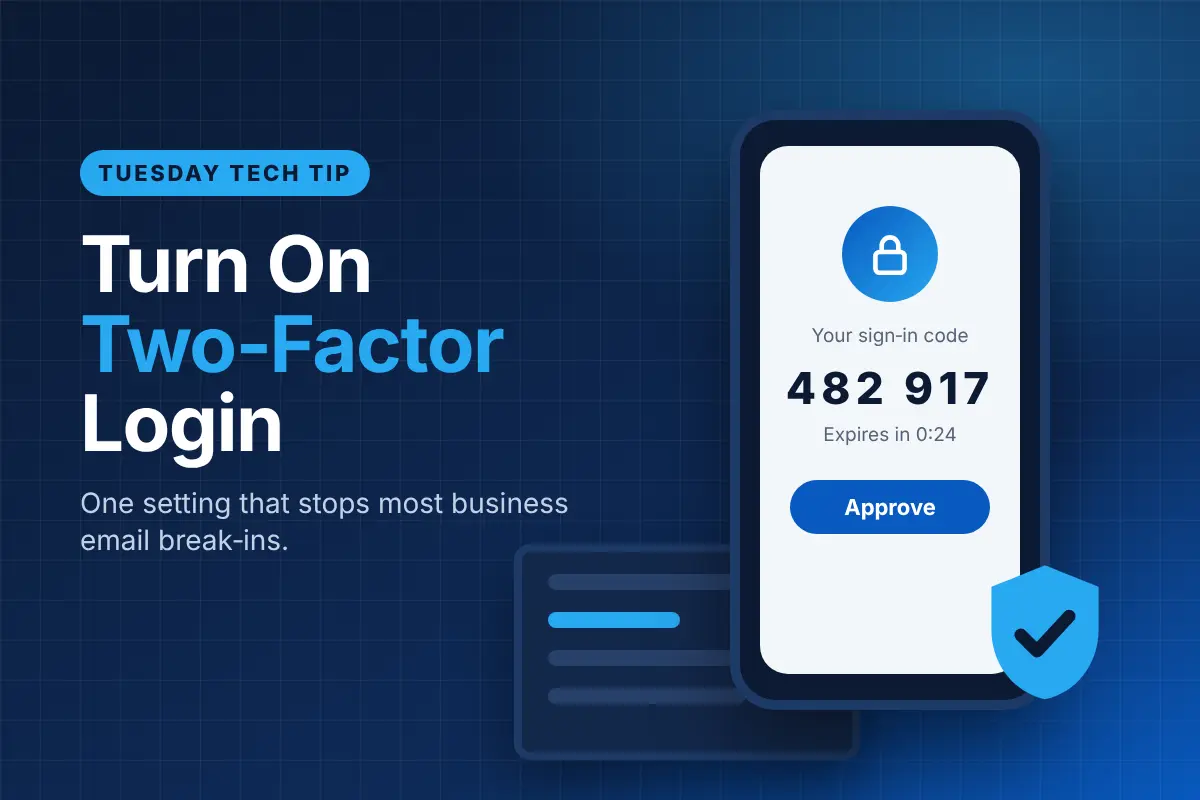
If you only change one security setting this year, make it this one: turn on two‑factor login for your business email. A stolen password is still the most common way small business email accounts get broken into — and two‑factor login stops that attack cold, because a password on its own is no longer enough to get in.
What two‑factor login actually does
Normally your email only asks for one thing: your password. With two‑factor login (also called 2FA, MFA, or 2‑Step Verification), it asks for a second proof that it’s really you — usually a tap on an app on your phone or a six‑digit code. Someone who has guessed, phished, or bought your password still can’t sign in without your phone in their hand.
Why it matters for small businesses
Your email is the key to everything else. Whoever controls it can reset your banking, vendor, and cloud passwords, send fake invoices to your clients, and quietly read your conversations for weeks. Most of these break‑ins start with a password that leaked from some other website — not with anything you did wrong today.
How to turn it on
Microsoft 365 (Outlook)
- Sign in at mysignins.microsoft.com and open Security info.
- Choose Add sign‑in method and pick Microsoft Authenticator.
- Install the free Authenticator app on your phone and scan the code on screen.
- Approve the test notification, and you’re done.
Google Workspace (Gmail)
- Go to myaccount.google.com and open Security.
- Select 2‑Step Verification and follow the prompts.
- Use Google prompts on your phone or an authenticator app for the second step.
- Save the backup codes it offers somewhere safe.
If you manage email for a team: don’t rely on everyone doing this on their own. Microsoft 365 and Google Workspace both let an administrator require two‑factor login for every account from the admin center, so nobody is left as the weak link.
A few quick tips
- Use an app, not text messages, when you can. Authenticator apps are faster and harder to intercept.
- Keep your backup codes somewhere offline, in case you lose or replace your phone.
- Never approve a sign‑in you didn’t start. A surprise prompt means someone has your password — change it right away.
- Don’t stop at email. Turn it on for your bank, accounting software, website hosting, and domain registrar too.
It takes about five minutes per person, and it’s one of the most effective protections your business can have.
Want help rolling out two‑factor login across your whole team in Fair Lawn, Bergen County, or anywhere in North Jersey? compWiz LLC can set it up, enforce it for every account, and make sure nobody gets locked out along the way.